
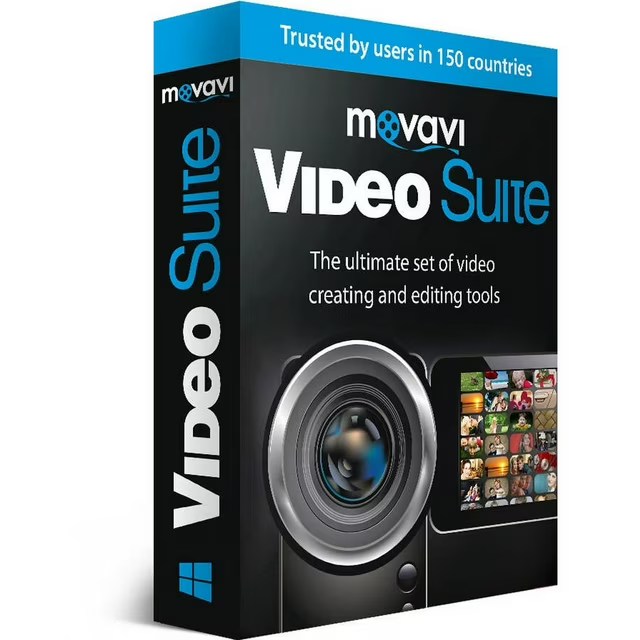
Are you a Mac user looking to create stunning videos without breaking the bank or spending hours learning complex software? Look no further than Movavi Video Suite! This powerful yet user-friendly video editing software is perfect for beginners, offering a range of tools and features to help you create professional-looking videos with ease.
What is Movavi Video Suite?
Movavi Video Suite is an all-in-one video editing software that allows you to import, edit, and export videos in a variety of formats. With its intuitive interface and drag-and-drop functionality, you can easily add transitions, effects, and titles to your videos, making them look polished and engaging.
Key Features for Beginners
- Easy-to-use interface: Movavi Video Suite’s intuitive design makes it easy for beginners to navigate and find the tools they need.
- Drag-and-drop functionality: Simply drag and drop media files, transitions, and effects into your project timeline to start editing.
- Built-in video templates: Get started quickly with pre-designed video templates for common projects like social media clips, slideshows, and more.
- AI-powered tools: Take advantage of automatic video editing, background removal, and noise reduction to enhance your videos.
- Color correction and grading: Adjust the color and brightness of your videos to create a professional look.
Benefits for Mac Beginners

- Time-saving: Movavi Video Suite’s automated features and templates save you time and effort, allowing you to focus on creativity.
- User-friendly: The software’s intuitive interface makes it easy for beginners to learn and use, even with limited video editing experience.
- Creative freedom: With hundreds of filters, titles, and effects, you can unleash your creativity and create unique videos.
System Requirements
- Operating System: Mac OS X 11.0 or higher
- Processor: 64-bit Intel processor
- Graphics Card: Intel HD Graphics 2000 or higher
Get Started with Movavi Video Suite
- Download and install: Download Movavi Video Suite from the official website and follow the installation instructions.
- Import media: Import your video and audio files into the software.
- Edit and enhance: Use the drag-and-drop interface to add transitions, effects, and titles to your video.
- Export: Export your finished video in a variety of formats, including HD and 4K.
Conclusion
Movavi Video Suite for Mac is the perfect solution for beginners looking to create stunning videos without the steep learning curve. With its user-friendly interface, automated features, and creative freedom, you’ll be creating professional-looking videos in no time. Try Movavi Video Suite today and unlock your creativity!
Try it Now:
- Download Movavi Video Suite from the official website
- Explore the software’s features and tutorials
- Start creating your own videos today!
Sincerely,
Gadgets & Gizzmo’s

 gadget and gizzmo"s